Typical scope
Interactive display mounting and connections for classroom devices.


Scope display mounting, cable routing, and connection to classroom devices. Share the wall type and equipment model.
Get a Fast Estimate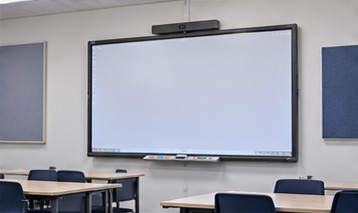
Interactive display mounting and connections for classroom devices.
Verify wall support, mounting height, and touch input with the classroom’s equipment.
Plan cable exits and input locations around the instructor’s workstation. Test the display, touch controls, and audio with a classroom device.
Send the full site list and note any differences in equipment, access, or deadlines. That helps NCC confirm availability and decide what can follow the same scope.
Ask the estimate to identify labor, materials, exclusions, the work window, and the deliverables required for sign-off.
Include the project ZIP, number of sites, target date, and any drawings or equipment lists. Note access hours and work that must be coordinated with other trades.
Get a Fast Estimate